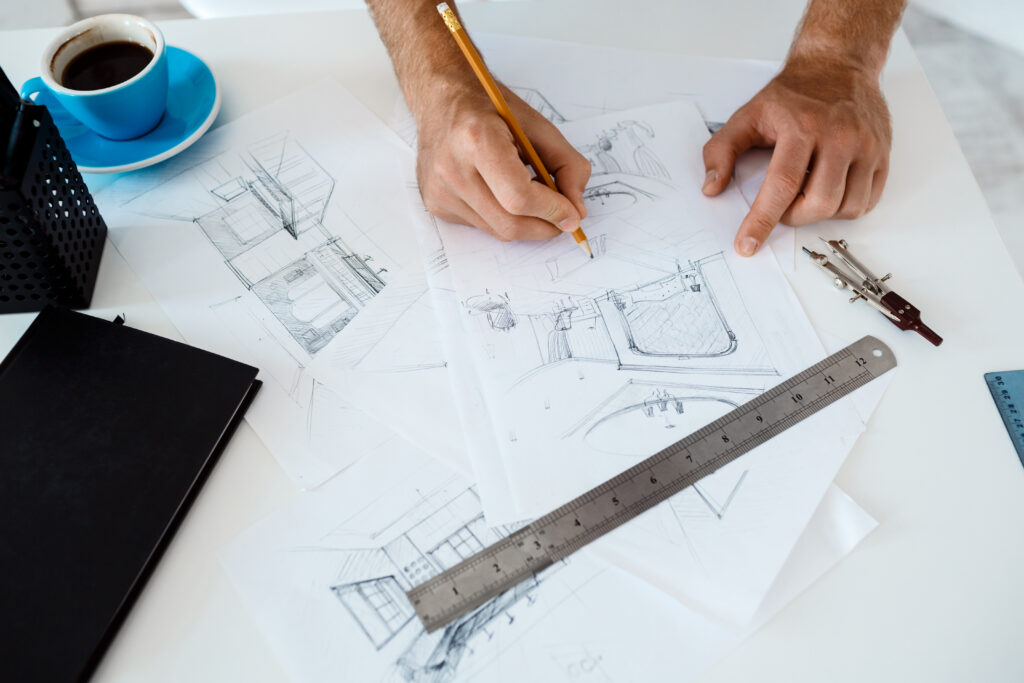
Interior Design Built Around What the Space Needs to Achieve
We shape commercial interiors around how the space needs to work, how people will move through it, what the brand should communicate and what can be carried through technically to the built result.
Before colours, finishes or furniture, the first question is what the space needs to achieve for the business, the people using it and the experience it should create.
01
What does the space need to do?
Function
The purpose the space has to serve, and the business need behind it.
02
Who needs to use it — and how?
Movement
Movement, privacy and the way people meet and interact in it.
03
What should the space communicate?
Identity
The brand and the impression the space should leave.
04
What must the design work around?
Constraints
Site, MEP, requirements, budget and timeline — based on the information available.
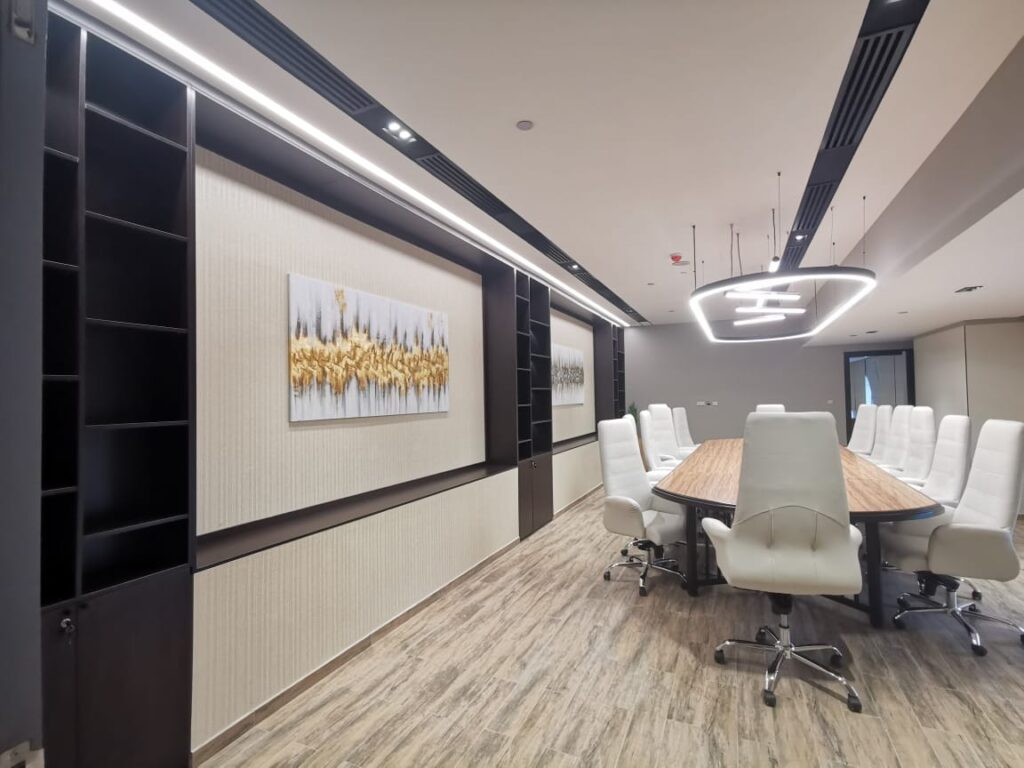
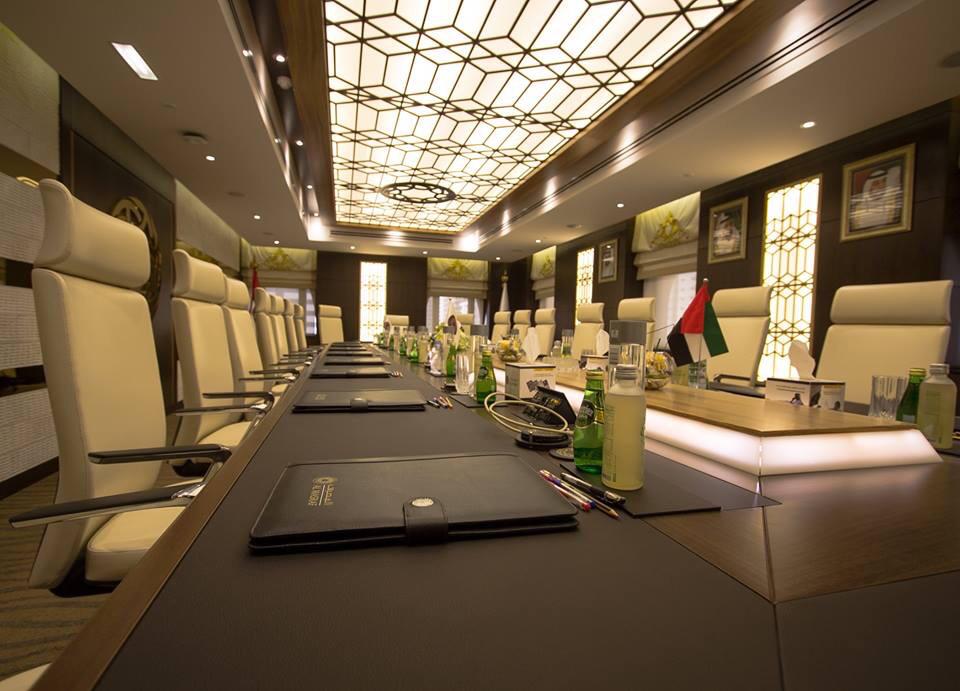
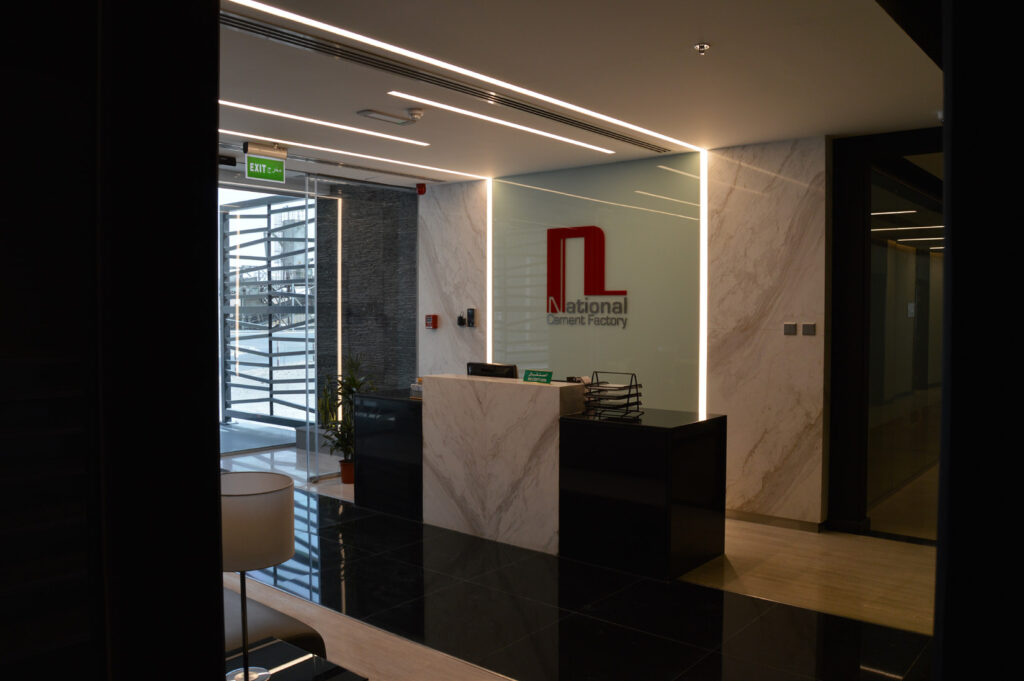
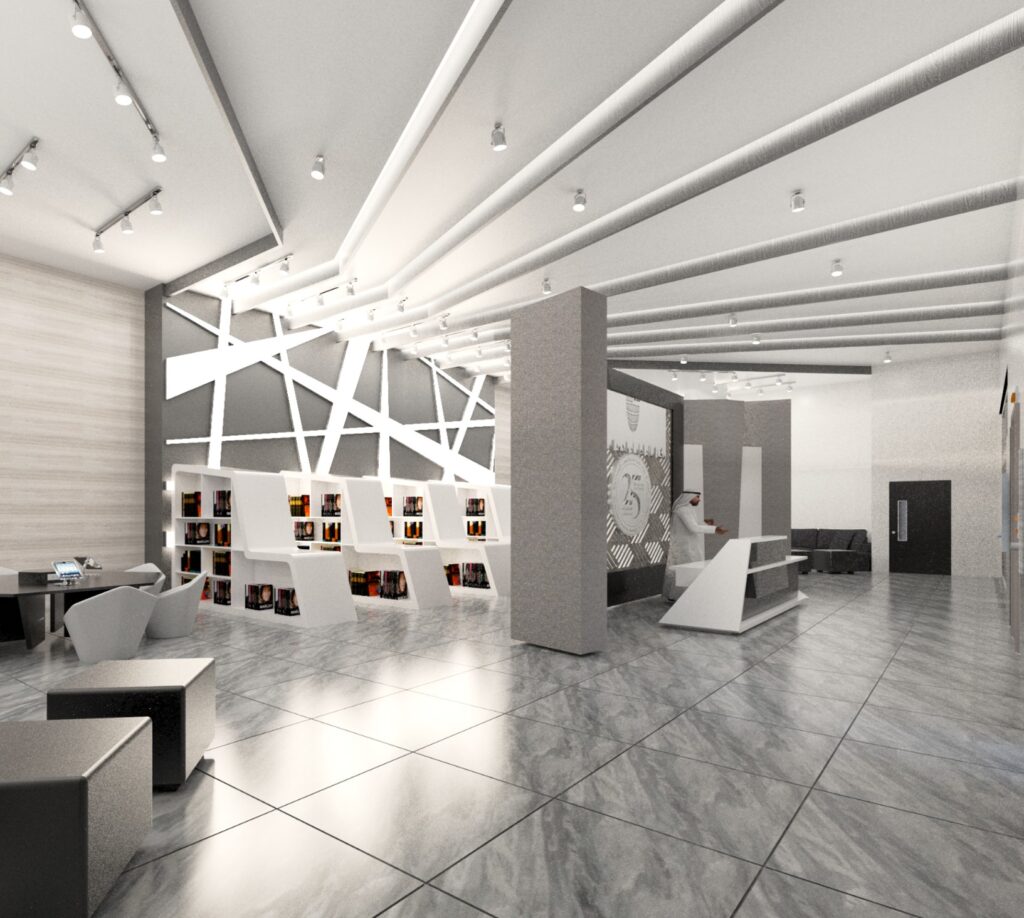
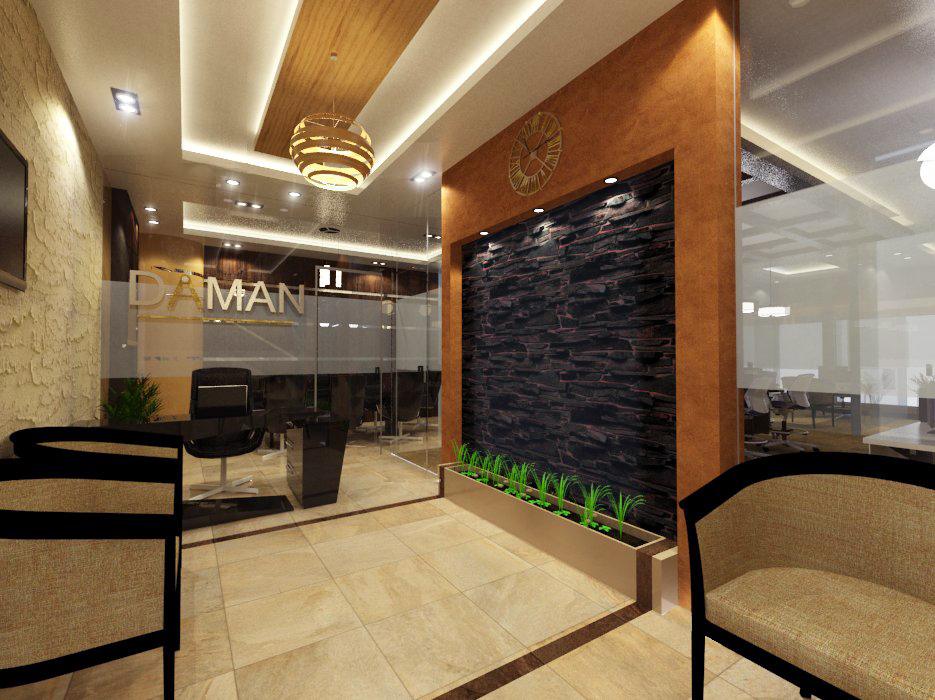
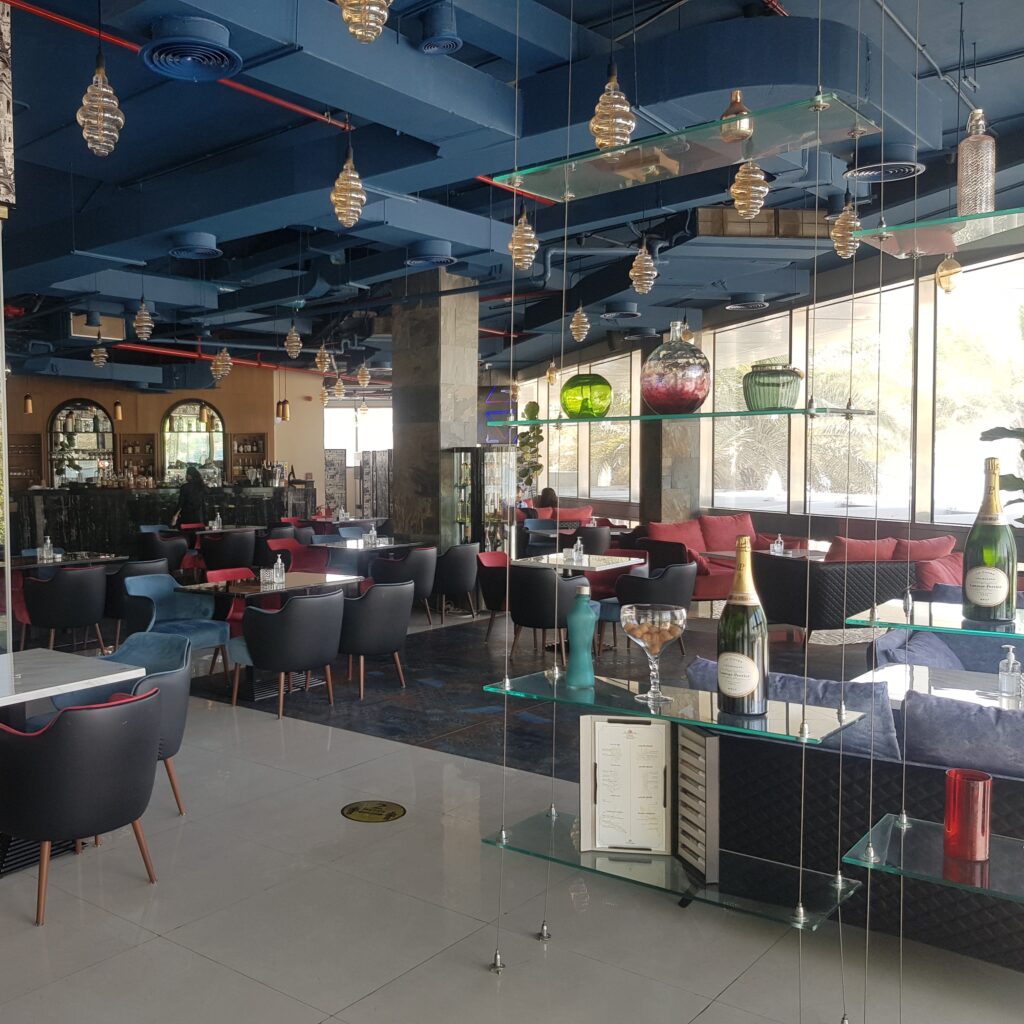
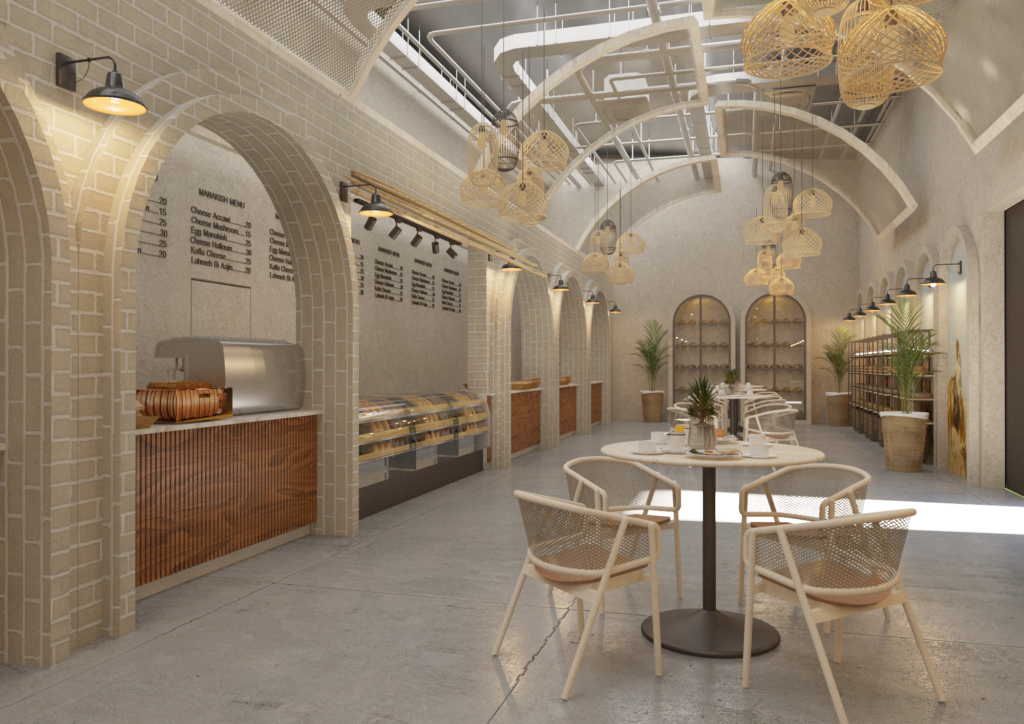
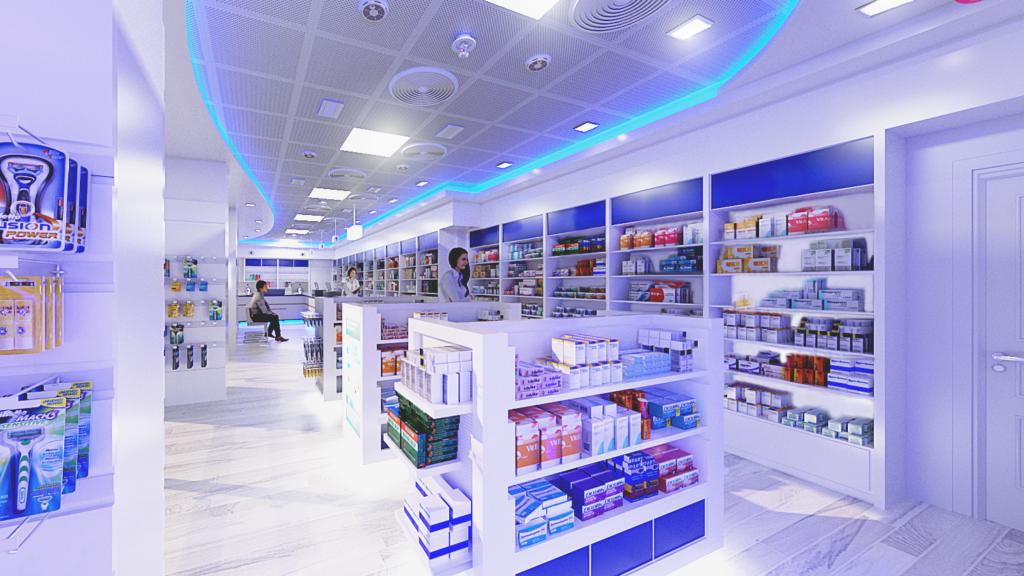
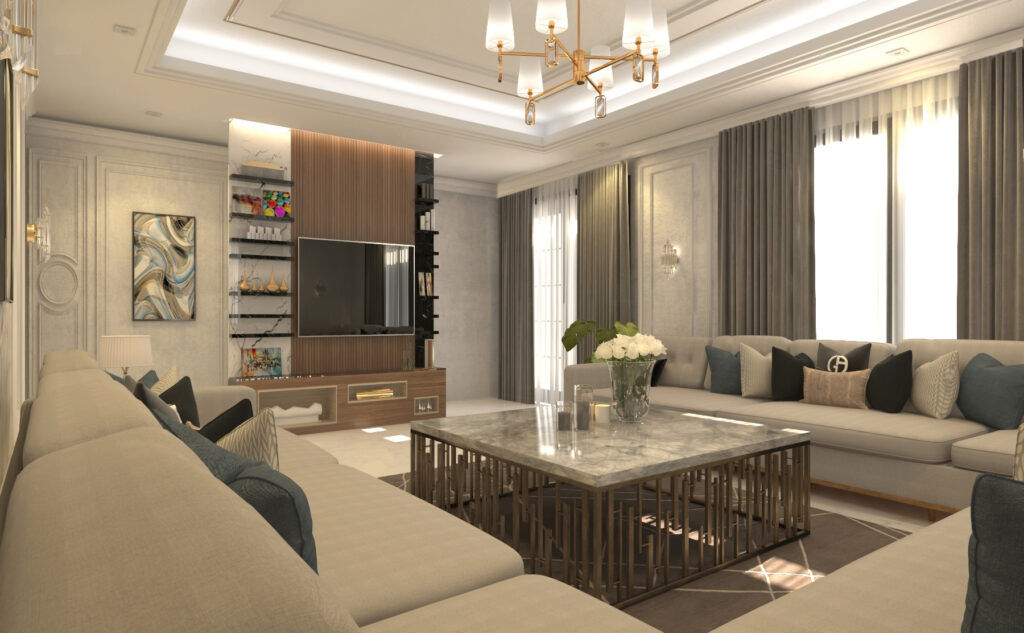
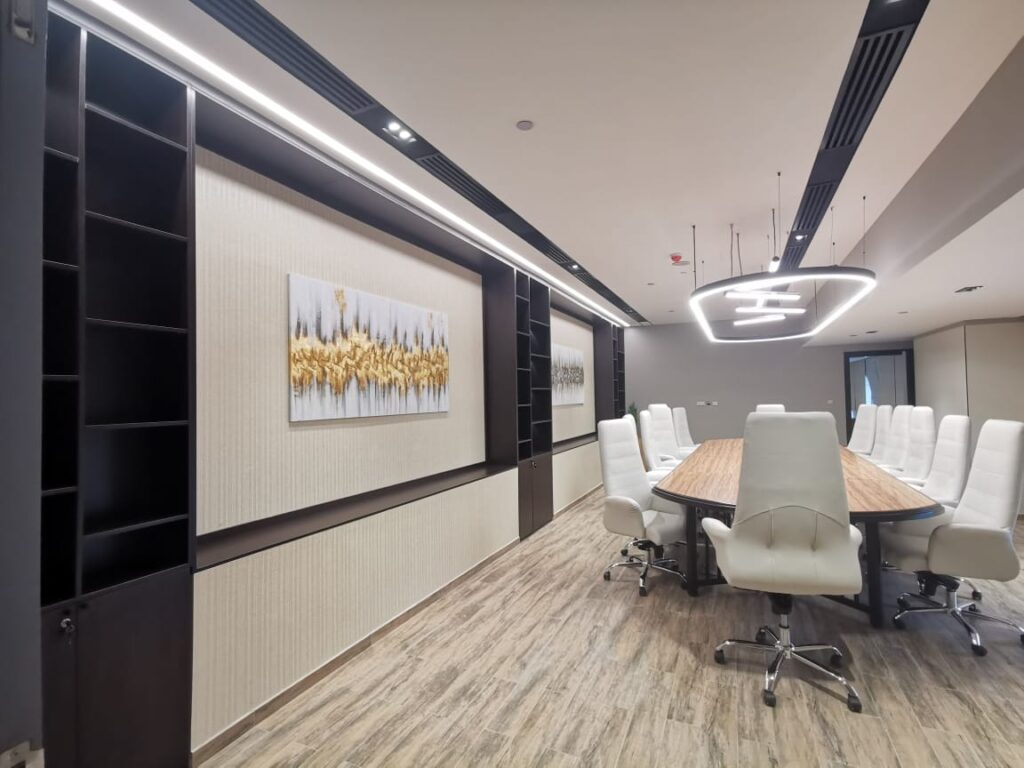
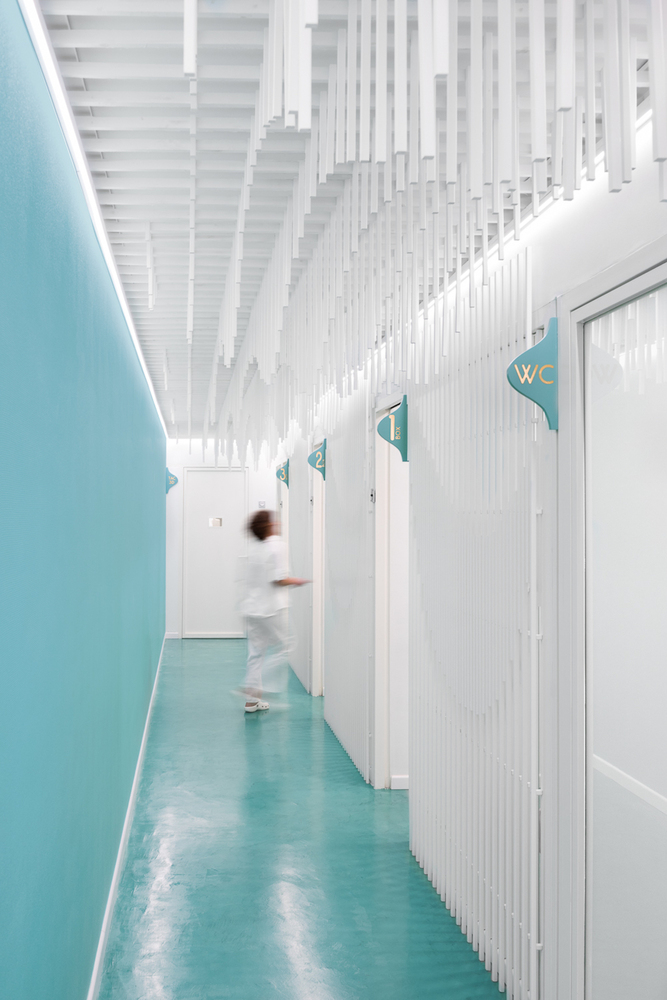
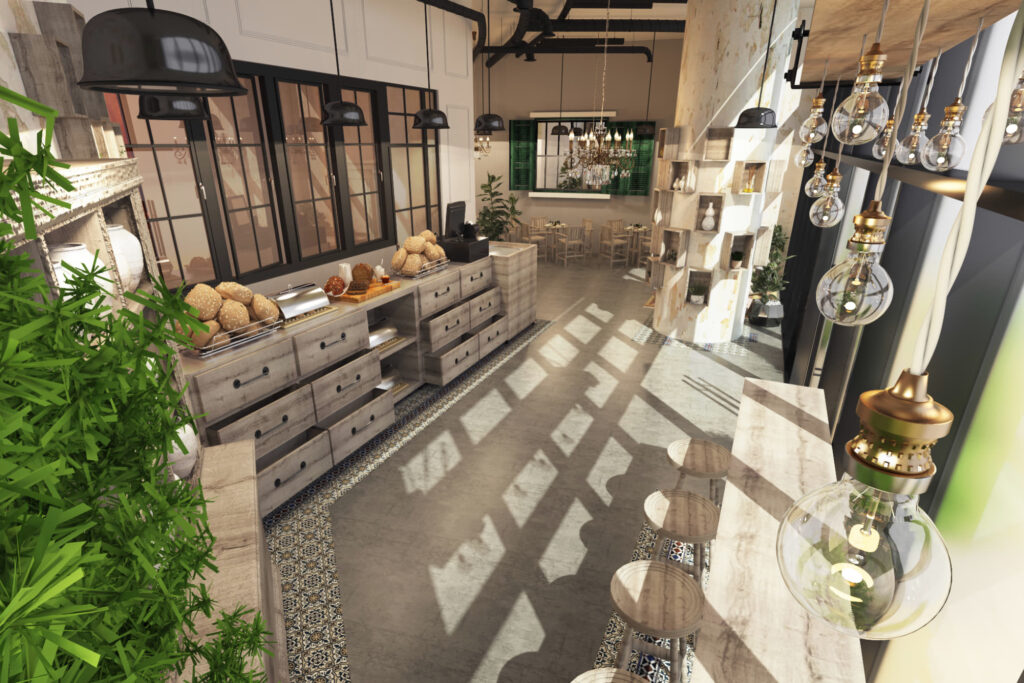
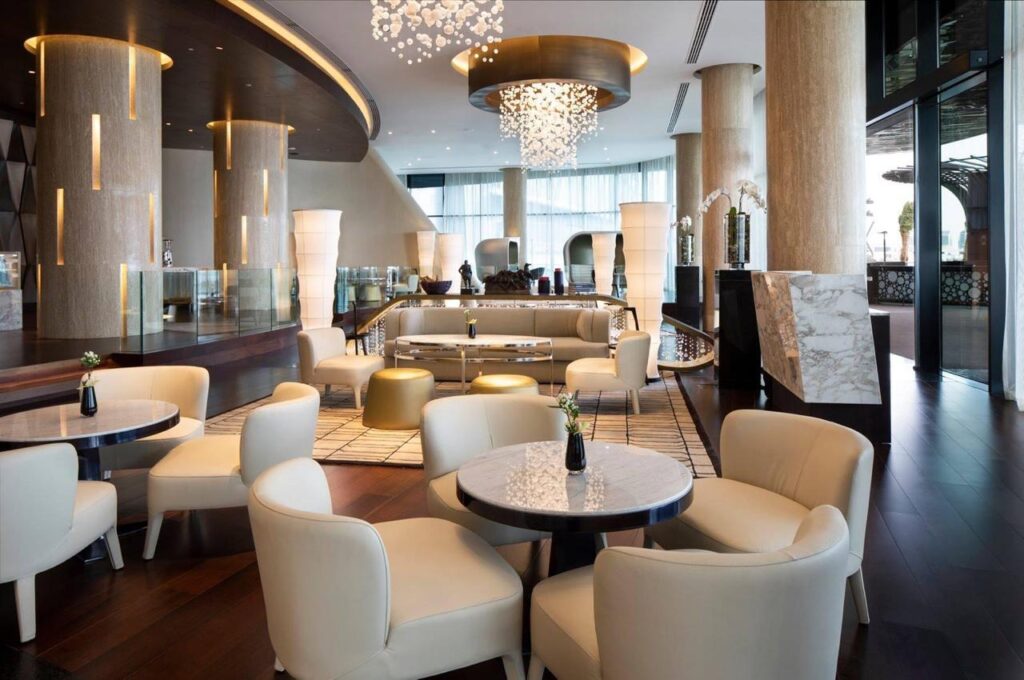
Actual Project Photo
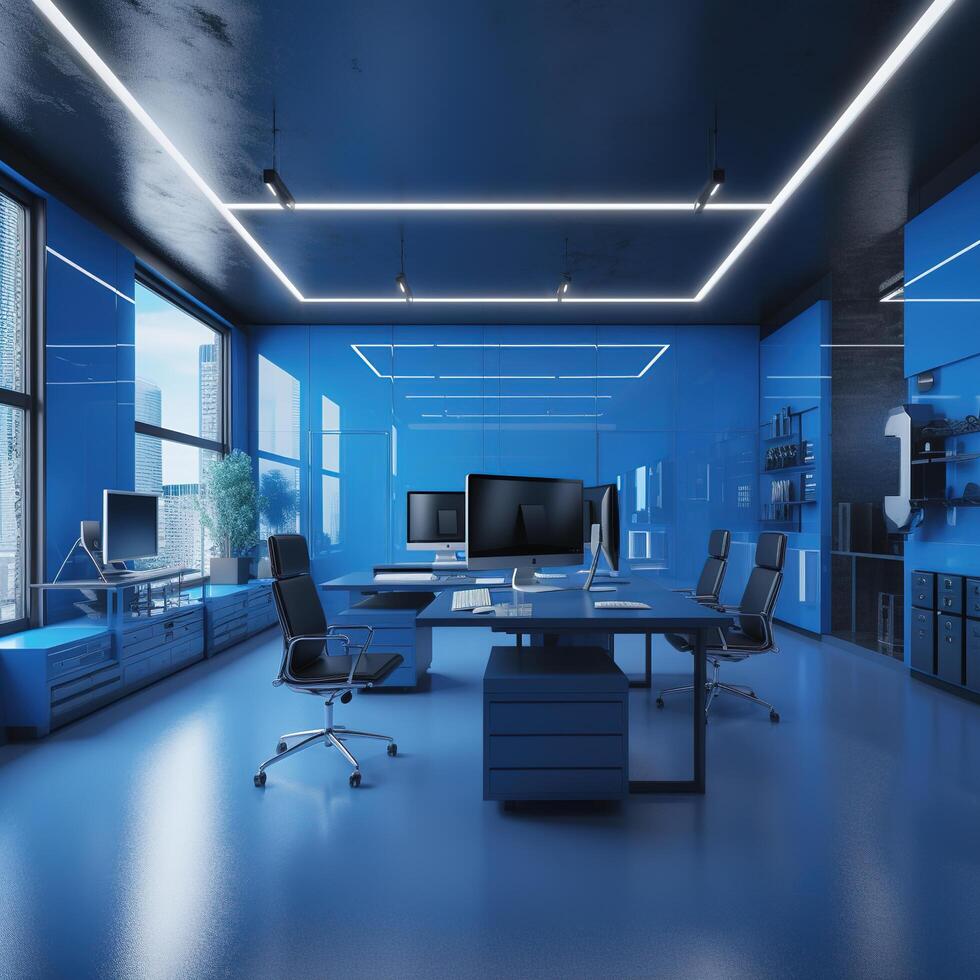
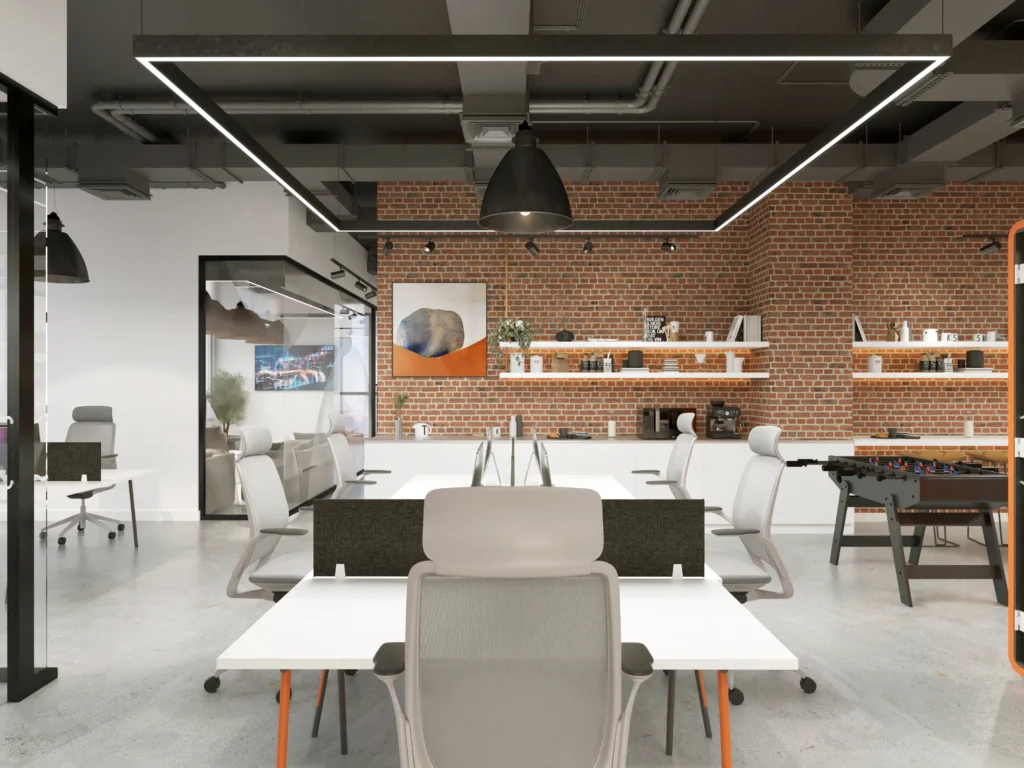
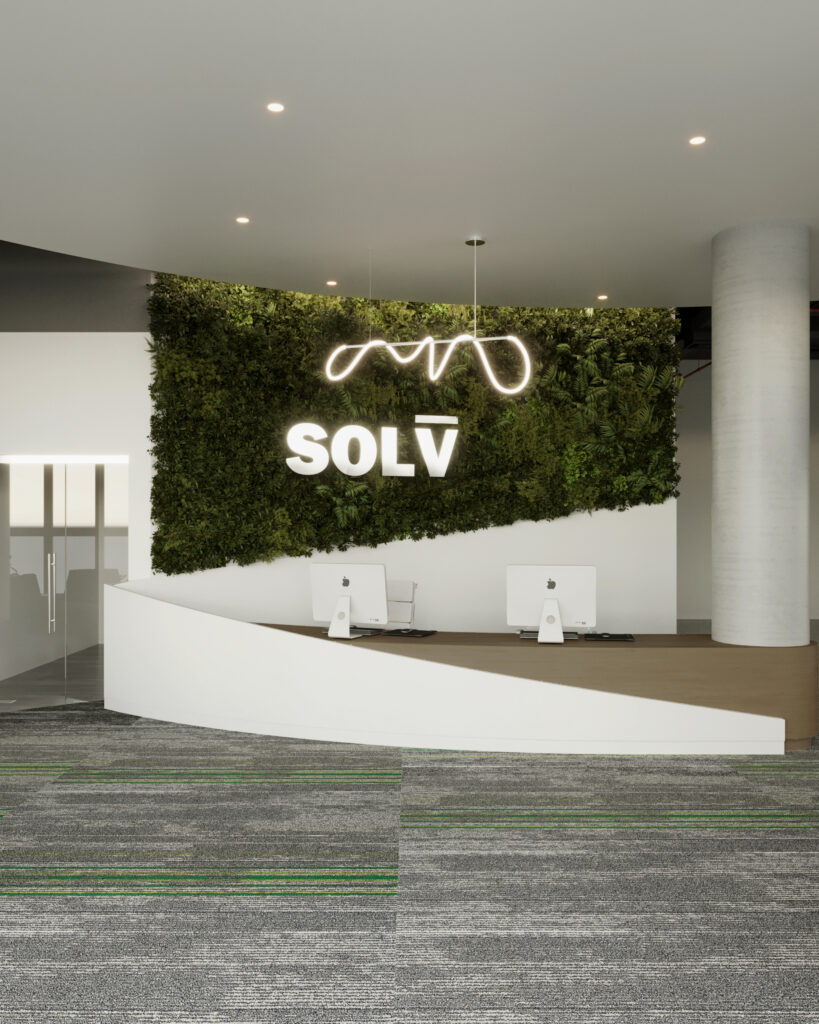
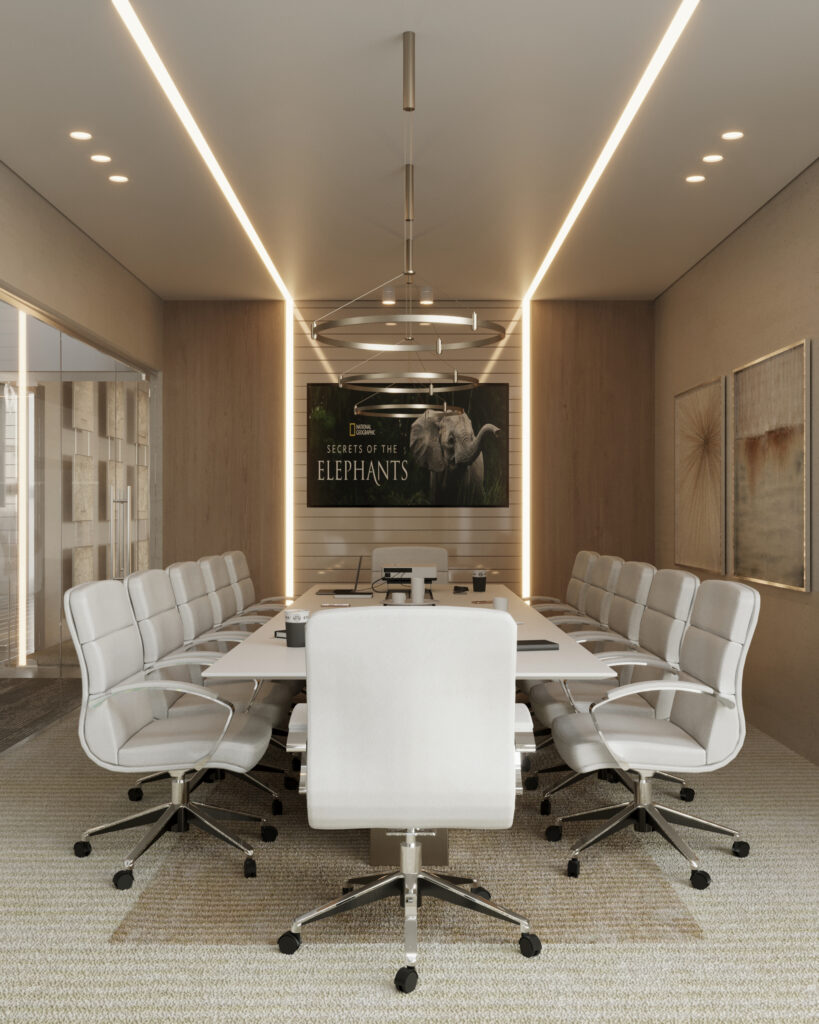
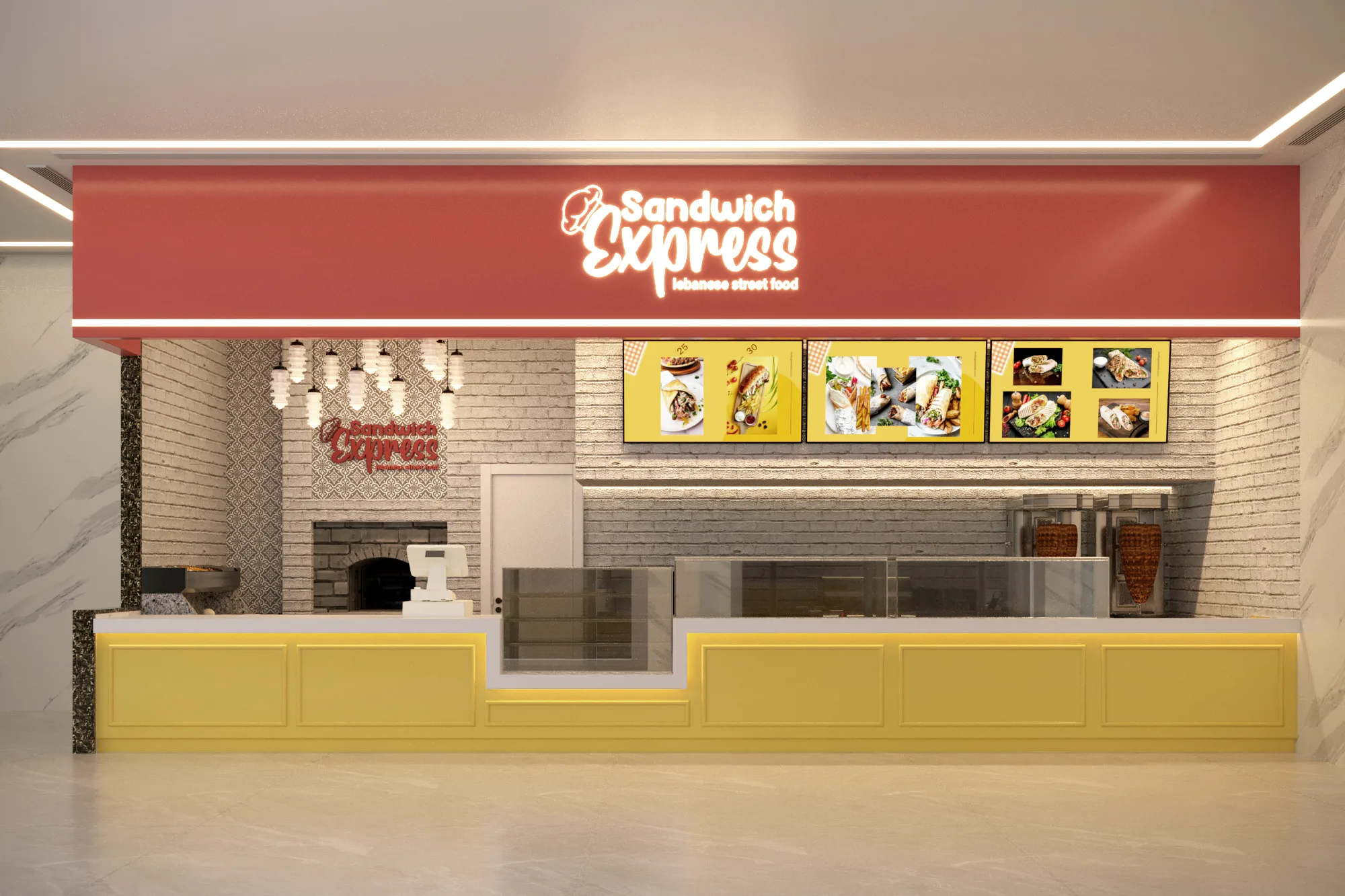
Design Visual
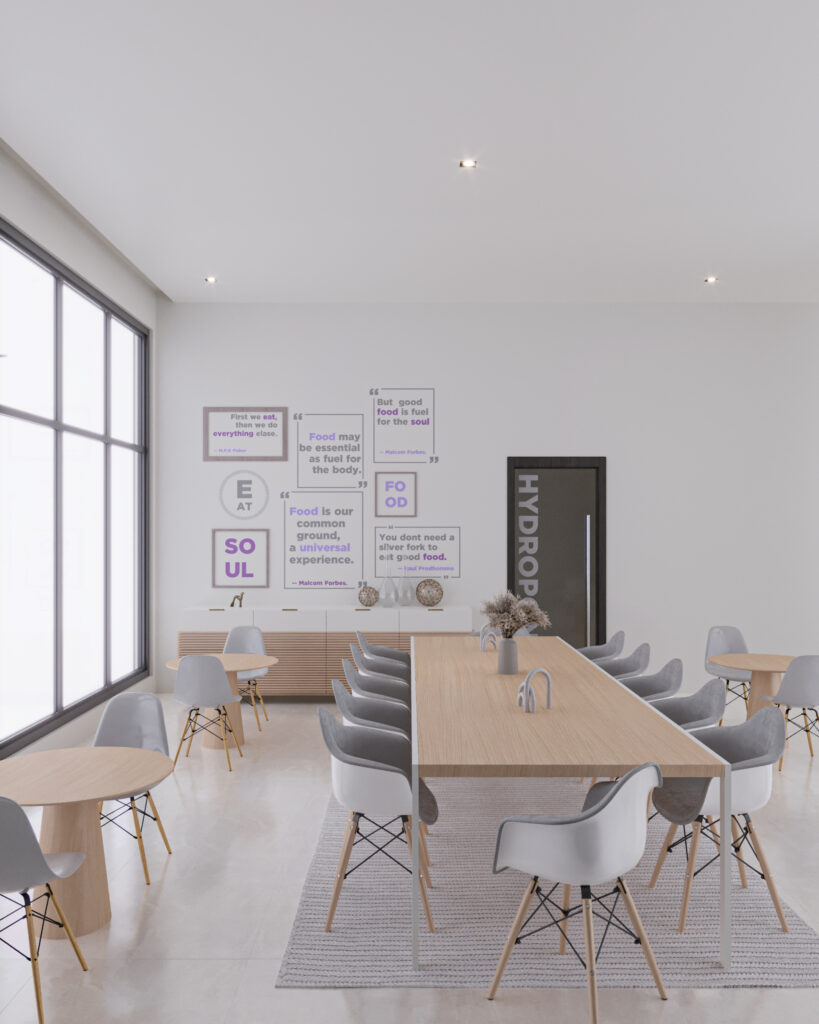
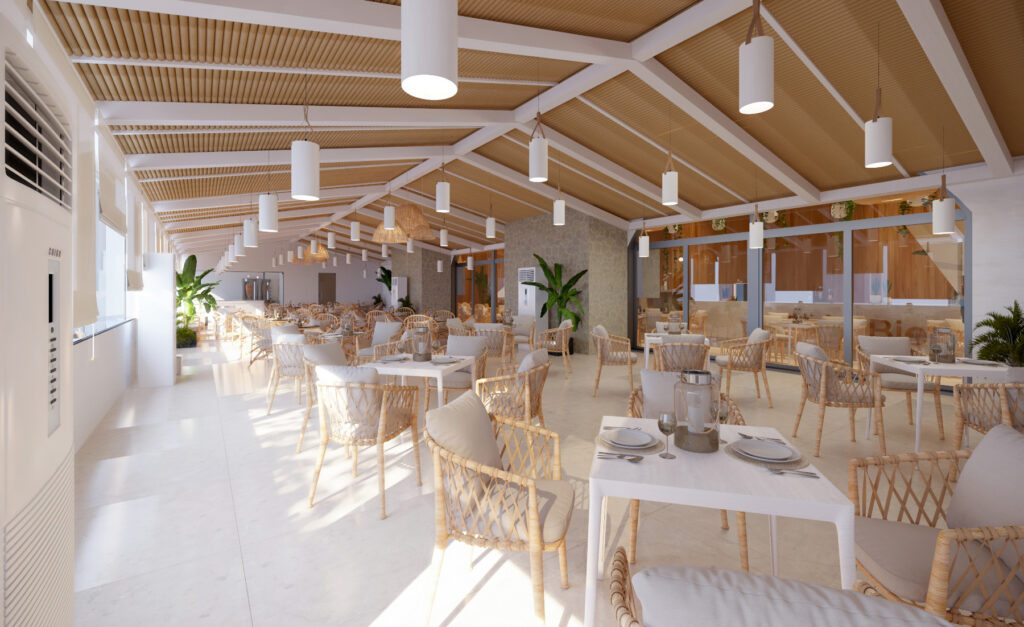
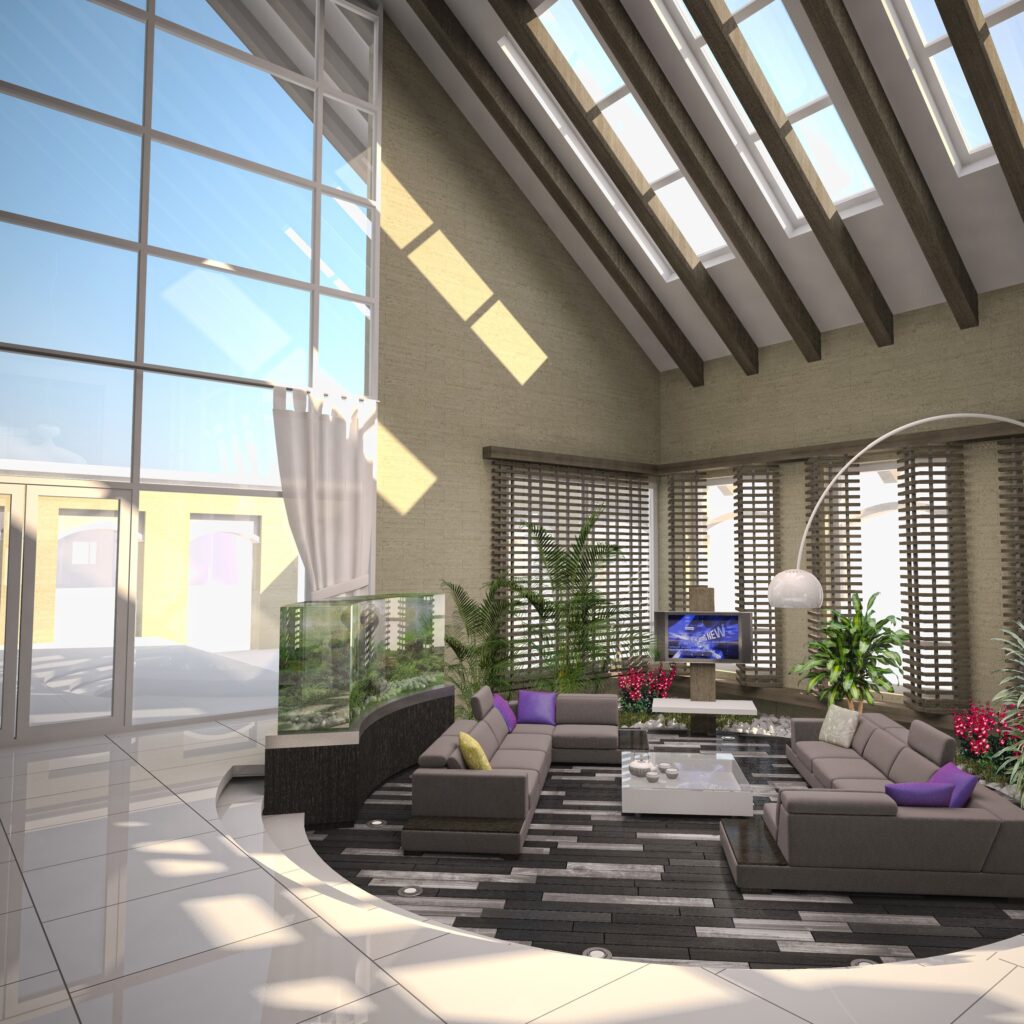
A design direction built from real project needs instead of a ready-made style.
Space Planning
Make the Space Work Before Making It Look Finished
Space planning turns project requirements into zones, relationships, movement and usable areas. The goal is to organise the space around real activity before the visual language is layered on top.
01
Function
What needs to happen in each area.
02
Zoning
What should sit close together, and what needs separating.
03
Circulation
How people move without conflict or confusing routes.
04
Privacy & Access
Where access is open and where privacy is needed, by project type.
Turn the Project Need Into a Clear Design Language
The concept connects identity, user experience, proportion, colour, material character and key visual moments into one direction the project can build on.
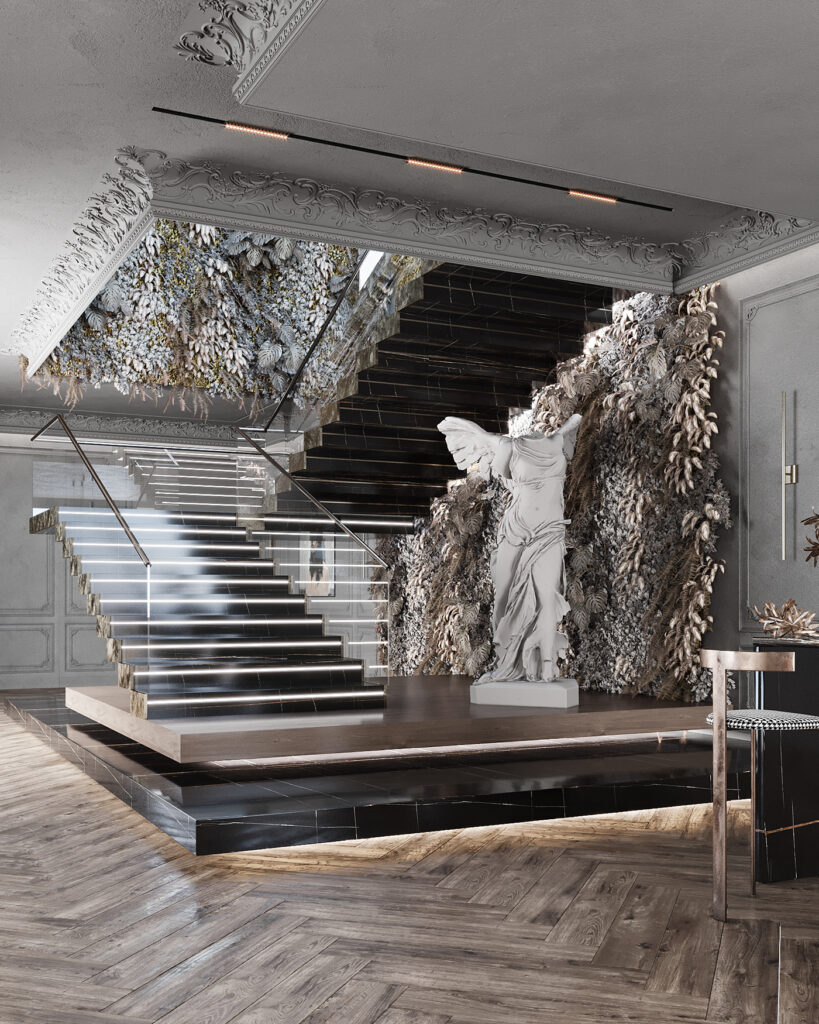
Design Visual
Design Visual
Built Detail
Input
Brand & Identity
For commercial projects: the brand, and what the space should say.
Input
User Experience
How it feels to arrive, move through and use the space.
Input
Project Context
The site, the building, the sector and who the space is for.
Input
Design Character
A visual language that fits, instead of a ready-made style.
A clear direction that guides later decisions instead of a collection of unrelated references.
Brand identity can influence form, material, colour, signage and spatial moments where relevant.
Built Detail
Materials & Finishes
Materials Chosen for Use, Character and Buildability
Material decisions balance the visual direction with how the space will be used, maintained, detailed and executed.
Use
Durability suited to how the space is used.
Tactility
Texture and the close-up experience.
Identity
Whether the material serves the project's character.
Detailing
How materials meet and close out on site.
Maintenance
Cleaning and upkeep for the type of use.
Project Reality
The choice has to work on site, not only in a render.
The finish schedule should support the design direction and the reality of the project.
Lighting & Atmosphere
Design the Space in Light — Not Around It Later
Lighting affects how people read a space, move through it, focus, meet, shop, dine or relax. It needs to work with layout, material and the intended experience from the design stage.
Day
Evening
Functional light
Clarity and everyday use.
Accent light
Directs attention and brings out details.
Ambient light
The overall atmosphere of the space.
Integration
Ceiling, materials, furniture and MEP planned together.
An office is not a restaurant, a clinic or a shop — each sector has its own lighting logic.
Visualization
Use Visuals to Make Better Decisions Before Site
Design visuals help test proportion, material relationships, key views and the overall direction before the project moves deeper into technical development and execution.
Alignment
See the direction before decisions cost money on site.
Testing
Check relationships, proportions and materials.
Decision Support
Close key visual decisions before execution.
Communication
A clear reference for the team as the project moves.
Every image that is not a built photograph is labelled Design Visual.
Design Visual
Actual Project Photo
Technical Design
Turn Design Intent Into Information the Project Can Build From
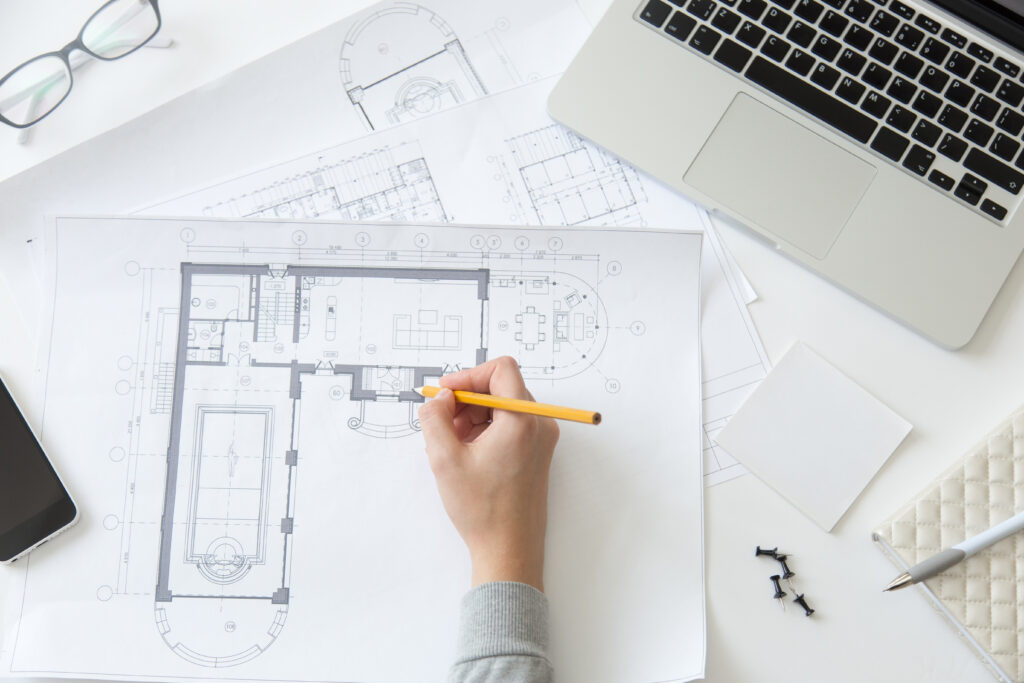
The design needs to move from visual intent into coordinated information that supports quantities, technical review, detailing and execution according to the agreed project scope.
Typical outputs, by scope
Layouts & Plans
Ceiling / Lighting Information
Finishes & Material Information
Elevations & Key Details
Joinery / Feature Details
MEP Coordination Inputs
Technical coordination is where design meets the constraints and dependencies of the real site.
The exact design scope changes by project. What stays consistent is the need for clear decisions, defined outputs and a visible path to the next stage.
Project Brief / Design BasisIf included in the scope
Space Planning / Layout DevelopmentPer project
Concept / Design DirectionPer project
Material & Finish DirectionPer project
VisualisationPer project
Technical Design InformationPer project
Coordination InputsPer project responsibilities
Decision gate
At each stage, approvals should move the project forward instead of reopening the same decision repeatedly.
Next route
Design only → a defined handoff. Design + Execution → continue into scope, coordination and site delivery.
Tell us the project type, location, current stage and what you need the space to do. We’ll start by understanding the design need and the right next step.